Best Neo Geo Pocket Color Games to Emulate: Ranked
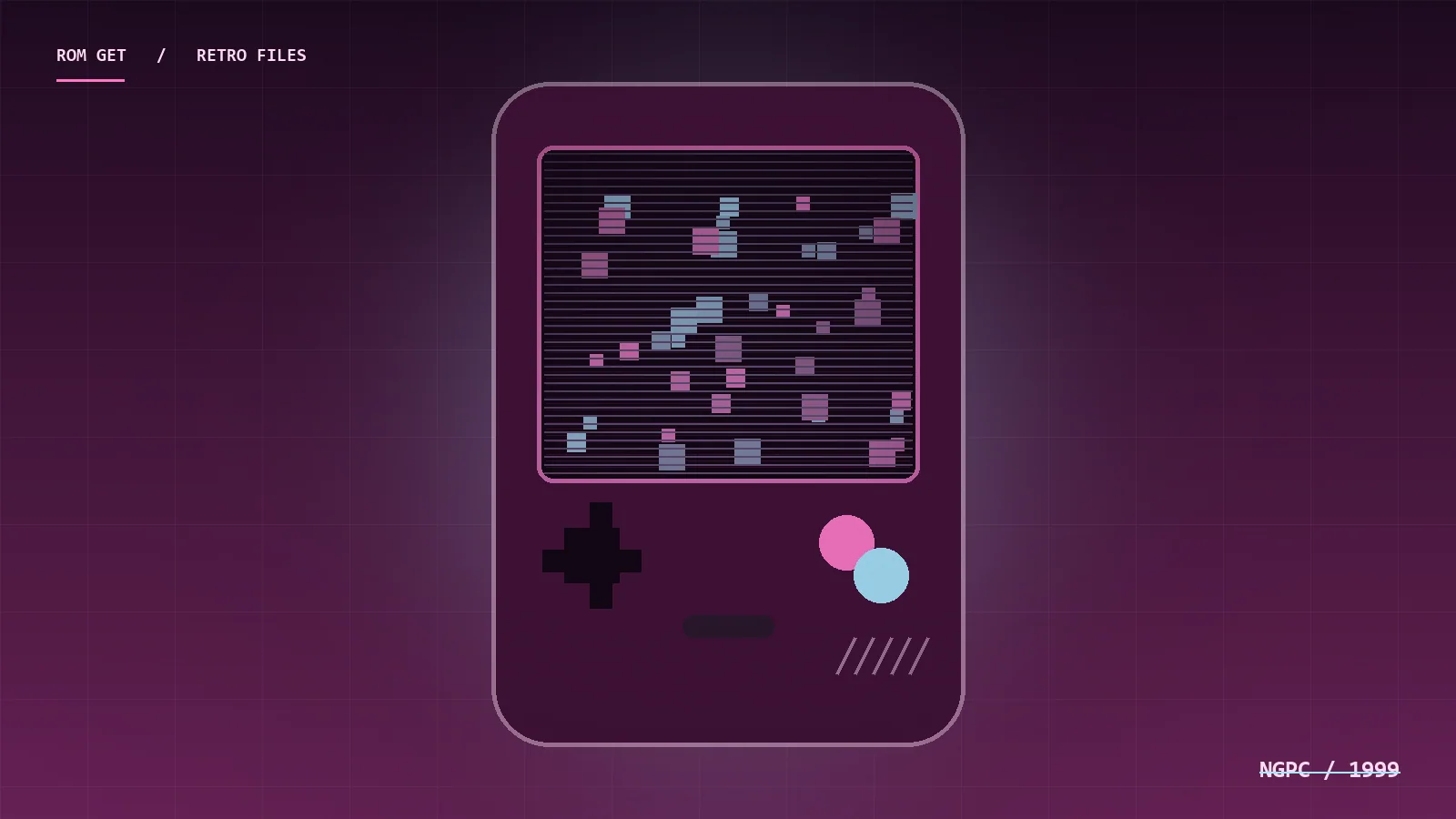
Best Neo Geo Pocket Color games ranked by short-session design, from SNK versus Capcom tag fighters to the clicky joystick and tiny 160 by 152 screen.
SNK put the Neo Geo Pocket Color on sale in Japan in 1998 and shipped it to North America and Europe the following year, a small color handheld arriving just as the Game Boy Color was finding its feet. The library is tiny next to Nintendo’s, but it is unusually dense: SNK fighting teams, a licensed Sonic platformer built by Sega, and a run of pocket-sized arcade conversions. I came back to it through emulation on a low-power laptop and was struck by how little the machine asks of modern hardware. Here is a ranked order built around how well each title plays today, with a specific reason for every slot.
Why this handheld suits five-minute sessions
The screen resolves roughly 160 by 152 pixels, which forced artists to draw bold, readable sprites with almost no room for fine detail. That constraint is why these games still look clean on a modern display at integer scale; there is no subtle shading to fall apart. The input is the other half of the character. The Neo Geo Pocket Color uses a small thumb joystick built on micro-switches, and it clicks with a crisp, mechanical snap in eight directions rather than sliding like a soft d-pad. The stick gives fighters an audible tick on a quarter-circle motion. Sessions are short by design: a versus match, one Metal Slug stage or a few puzzle rounds fit into a break. CPU demands on current hardware are trivial, so even a modest laptop or phone runs the library at full speed with room to spare.
The ranking, with a reason for every slot
| Rank | Title | Year | Platform | Why this slot |
|---|---|---|---|---|
| 1 | SNK vs. Capcom: The Match of the Millennium | 1999 | NGPC | Tag versus play, a large roster and more modes than any other title |
| 2 | Sonic the Hedgehog Pocket Adventure | 1999 | NGPC | Sega-built platforming that shows off the screen and plays clean today |
| 3 | Metal Slug 2nd Mission | 2000 | NGPC | Branching stages and hidden items fix the rough edges of the first game |
| 4 | The King of Fighters R-2 | 1999 | NGPC | Three-on-three team fighting distilled well for a small display |
| 5 | Samurai Shodown 2 | 1999 | NGPC | Slow weapon duels where each hit reads clearly at low resolution |
| 6 | Fatal Fury: First Contact | 1999 | NGPC | Lane-switching combat that feels distinct from the KOF entries |
| 7 | Puzzle Bobble Mini | 1999 | NGPC | One more round puzzle loop built for the clicky stick |
| 8 | Metal Slug 1st Mission | 1999 | NGPC | Historical interest, since it shows what 2nd Mission improved |
| 9 | Biomotor Unitron | 1999 | NGPC | Deep dungeon grinding that asks for far longer sessions than the rest |
| 10 | Card Fighters Clash | 1999 | NGPC | Card collecting on a huge scale, mainly for completists |
What to try first on a fresh setup
Start with Sonic the Hedgehog Pocket Adventure, then SNK vs. Capcom: The Match of the Millennium. Sonic is the gentlest introduction because Sega built it as a proper portable platformer with looping zones, special stages and a level-select feel that needs no manual, and it demonstrates the hardware better than a fighter can. Match of the Millennium is the deeper pick, with tag-team and single bouts plus a set of Olympic-style minigames that pad out a short session. Both boot cleanly on common emulator cores and both look right at integer scale.
Save files, battery behavior and emulation quirks
Original cartridges saved to their own memory, so there was no separate memory card to lose, and the handheld itself ran on AAA batteries with a long life that suited its size. In emulation the equivalent is a save file per game, and save states add a convenience the hardware never had. I keep native saves and states in separate folders, because flipping between cores can leave a state that a different build refuses to read. None of this needs a system file from outside your own cartridge backup; a clean personal dump carries what the game expects.
Emulation setup without the guesswork
A working setup is plain. Use an emulator core that lists the Neo Geo Pocket Color explicitly, point it at legal personal backups of cartridges you own, and leave the video at integer scaling with the correct aspect. CPU load is low enough that accuracy-focused cores run at full speed on modest hardware, so there is little reason to reach for speed hacks. Map the joystick directions to a d-pad or an analog stick with eight-way detection, since the original micro-switch stick was digital and precise. Region differences are minor on this system, but a Japanese or Western backup can still change a title screen or a name.
Which titles are really for collectors
Three entries on the list earn their place mostly as reference points. Metal Slug 1st Mission from 1999 is worth one play to understand what 2nd Mission fixed a year later, but its level design is blunter and I would not start there. Biomotor Unitron from 1999 is a deep dungeon crawler whose grinding curve fights the short-session design; it suits menu-heavy tastes only. Card Fighters Clash from 1999 and its 2000 expansion are huge card-collecting exercises demanding dozens of hours. Skip them on a first pass. Cotton from 2000, Magical Drop from 1999, Dark Arms from 1999 and Bust-A-Move Pocket from 1999 sit just outside my ranking and are reasonable second-wave picks if the top entries land.
A note on the two-button layout
The Neo Geo Pocket Color has two face buttons beside the stick, and the best games on this list were built around that limit rather than fighting it. Fighters assign punches and kicks to combinations, Sonic needs one button for a spin dash, and puzzle titles use a single action with a held direction. I find them more comfortable on a two-button pad than a six-button fight stick, where the extra inputs get in the way. Try Match of the Millennium with a plain pad before you reach for a fight stick.
Set integer scaling, pick one of the two starters, and keep saves and states in separate folders from day one. The clicky stick is the thing I miss most on a flat glass screen, so map a d-pad with a firm throw rather than a soft analog nudge.
Related reading
If you want to keep digging into this corner of the library, these two posts on Roms Get go a little further: