How the D-Pad Set the Standard for 2D Movement
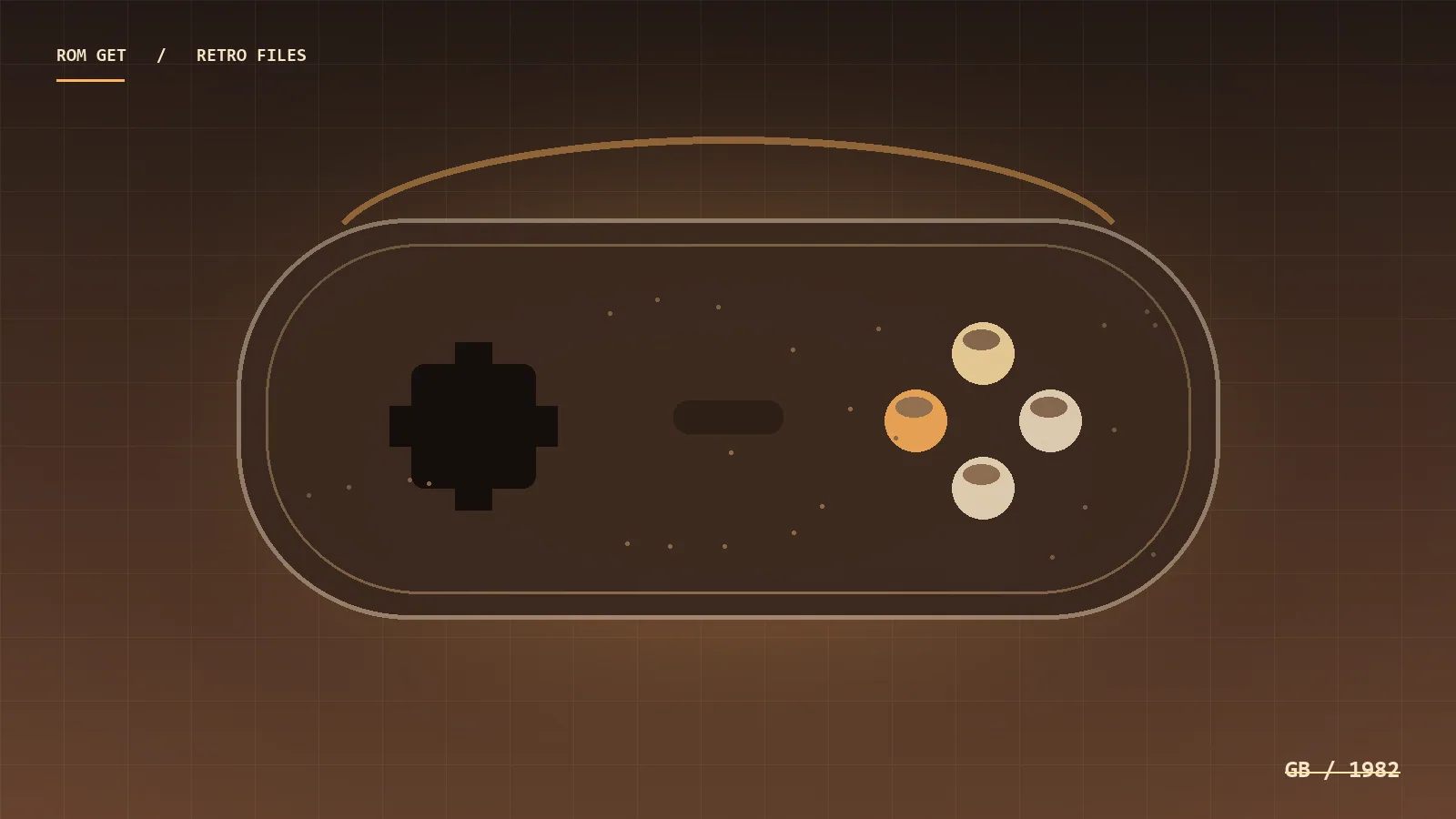
D-pad history explained: how the cross-shaped control spread from Game & Watch units into console pads and shaped 2D movement on handhelds and consoles.
The cross-shaped direction pad did not arrive as a finished idea in one box. It grew out of the small handheld units Nintendo released in the early 1980s, where a simple four-way rocker had to serve games that asked for left, right, up and down with no room for a full-sized stick. That shape migrated into console controllers and then back into handhelds, and it stayed because it solved a specific problem well: eight usable directions under one thumb, with a pivot small enough to flick and a flat surface that kept the thumb from sliding off during a long run.
From a small handheld to the console pad
Early Game & Watch titles were built around single-screen actions, often with one character dodging or catching objects. A four-way control was enough, and the cross layout made each direction obvious without looking. When Nintendo carried the idea into the home console controller, the surrounding hardware changed but the logic did not. A 2D platformer asks for short, deliberate changes of direction and an occasional diagonal jump; a grid-based role-playing game asks for one clean step per press. Both are input problems that a thumb pivot handles better than a stick that wants to be held and eased.
Placement mattered as much as shape. Putting the cross on the left and the action buttons on the right gave the two hands separate jobs, and that division is still the default on most controllers sold today. It let a player hold a direction with the left thumb while the right hand worked a button, which is exactly what early platformers needed. Controllers that put movement on the right never felt natural for that style of play, because the same hand had to manage both position and action at once.
Why eight clean directions mattered
A cross gives you four cardinal directions and four diagonals, and the diagonals are the important part. Pressing up and right together on a well-made pad produces a single unambiguous signal. On a cheap pad, the same gesture can produce jitter between two directions, and the character walks sideways when you meant to climb. The physical ridges between the arms of the cross do real work here: they guide the thumb into a corner and give it somewhere to rest. A stick has no equivalent detent unless the software adds one, and early 2D games were not written with that in mind.
Diagonal input also changed level design. A jump that combined forward movement and a rise could be entered with one press, so designers could place platforms at angles and expect the player to reach them. With a four-way-only control, those gaps would have needed two separate inputs and far more planning from the player. The extra four directions were cheap to build in hardware and expensive to give up once games had been designed around them.
Thumb slip and the flat surface
The other advantage is less glamorous. A flat pad with a shallow travel lets the thumb glide from direction to direction without lifting. Platformers reward that: a player can hold right and tap up for a jump without breaking the run. On a raised analog stick, the same motion requires the thumb to climb over a rim, and long sessions make that tiring. Misreads happen too. A thumb that slips off the edge of a stick can send a bad input at the worst moment, while a cross with a slight lip around the arms gives the thumb a boundary to find by feel.
Diagonals, RPG grids and menu speed
Role-playing games of the 8-bit and 16-bit eras used tile grids, and a one-press-one-step pad suited them exactly. Holding a direction produced a steady walk, and a tap gave a single step for careful navigation around a non-player character or a trap. Menus inherited the same expectation. Players learned to hammer a direction to scroll a list quickly, a habit that carries into emulator menus today. A stick can imitate that with digital detection, but the feel is different because the stick returns to center and has to be pushed again for every step.
There is a trade-off worth naming. A cross is poor at fine analog control, so games that need a slow walk or a camera that turns gradually have to invent a digital workaround. Early 3D titles often mapped a light press to a slow step and a full press to a run, which worked but never felt as smooth as a stick. That limit is less a flaw in the cross than a sign that the input was built for a different kind of space: flat, tiled and made of discrete choices.
Why fighting games wanted another tool
The cross was not the right answer forever. Fighting games needed quarter-circle motions, rapid taps and a precise neutral position, and a six-button arcade stick gave the hand a different set of affordances. A stick lets you roll the lever through a motion and land on a clean neutral; a cross forces the thumb through a series of edges. That is why arcade-style controllers became the norm for competitive fighting even on consoles that shipped with a D-pad. It is not that the cross failed, but that a different genre asked for continuous rotation rather than eight discrete states.
Controller types compared
| Input | Strongest use | Weak point |
|---|---|---|
| Cross pad | 2D platformers and grid RPGs | Fast rotational motions |
| Analog stick | 3D cameras and variable speed | Single-step precision |
| Arcade stick | Fighting game motions | Portability and menu scrolling |
What the design left behind
The legacy is easy to see in modern hardware. Handheld systems still ship with a cross in the same relative position, and even devices built around sticks keep one for menus and grid movement. Emulator users feel it in a different way: mapping a 2D game to a stick often feels slightly wrong until you switch to digital detection or a controller with a real cross. Nothing about the original shape was accidental. It was a careful fit between a thumb, a flat surface and the kinds of movement early games actually asked for, and that fit still holds up whenever a game lives on a grid.
Related reading
If you want to keep digging into this corner of the library, these two posts on Roms Get go a little further: