How Sleep Mode Changed Handheld Play Sessions
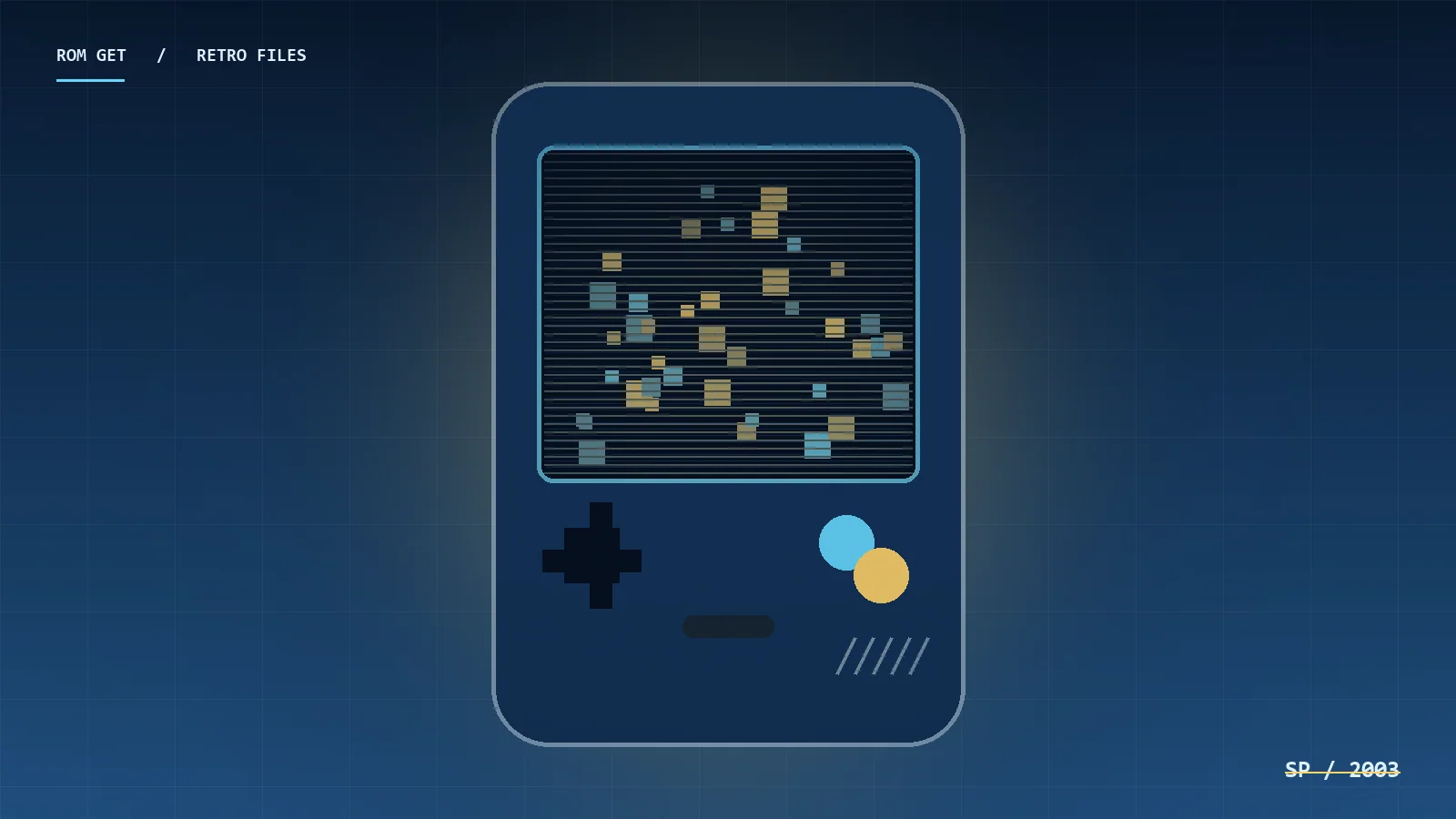
How handheld sleep mode history traces the Game Boy Advance SP hinge and Nintendo DS habits that let a commute pause without losing your place in a game.
Closing a Game Boy Advance SP put the system straight into sleep mode. The screen went dark, the game held still, and reopening the clamshell dropped you back where you left off. That small mechanical gesture did more than save a few seconds. It changed how long a handheld session could be, because a game no longer had to end just because a train stop or a doorway interrupted you. The Nintendo DS and later handhelds made the same move routine, until it felt less like a feature and more like a promise.
The hinge as a pause button
Before the SP, pausing a handheld usually meant finding a safe spot in the game, opening a menu, and hoping nothing bad happened while you were away. Some games offered a genuine pause screen, but many did not, and a live boss fight could not wait. The SP folded in half, which gave designers an obvious physical signal: shut the lid and the machine rests. You did not need to look at a menu or remember a button combination. The action was the same one you used to protect the screen.
That pairing of protection and pause is what made the idea stick. A clamshell already had a reason to close. Adding sleep to that motion meant players learned the habit without reading a manual. The Nintendo DS carried it forward with the same basic logic, and later handhelds kept the pattern even when their screens changed. Once a generation grew up expecting a closed lid to hold a session, a device that did not do it felt unfinished.
Sleep is not a save state
This distinction matters more than it sounds. Sleep holds the current session in memory and draws very little power while the system waits. It does not write a permanent save to a card or internal storage. Reopen the lid soon enough and the game continues exactly as it was, including the enemy you were fighting and the item you were about to use. Let the battery run down completely and that session is gone. Whatever you had not saved through the game own menu is lost with it.
I have seen players treat sleep as a substitute for saving and pay for it after a long day away from a charger. The failure is quiet. There is no warning when the last charge fades, and reopening the system shows a dead screen rather than a menu. A save state on an emulator writes data to a file and survives a power cut. Hardware sleep is a temporary hold, not a backup. Knowing which one you are using prevents the worst kind of surprise.
Shorter sessions and interrupted commutes
The practical effect was on session length. A portable game used to favor short, clean units that could finish at a moment notice. With sleep, you could start a longer dungeon on the way to work, close the lid at the station, and continue on the way home. The game stopped needing a natural ending point every few minutes. That gave handheld design more room for longer stories and denser levels without asking players to find a quiet hour at a desk.
My own habit changed in a small but telling way. I stopped avoiding a boss door near a stop, because closing the lid meant the fight waited. I also started keeping a mental note of my last real save, even when sleep made it feel unnecessary. Those two behaviors capture the trade: sleep grants freedom during the day, but the game own save system still defines what survives a mistake.
Why the hinge and switch had to be reliable
A feature tied to a lid only works if the lid reports its position correctly. A loose hinge or a tired switch can leave a system awake inside a closed shell, running the screen against the fabric of a bag until the battery dies. The reverse problem is worse in its own way: a system that sleeps while the player is still using it feels broken. Designers had to make the physical switch durable, because it would be cycled many times a day for years.
That requirement shaped hardware choices around the clamshell. The sleep trigger needed to be simple, mechanical, and hard to trigger by accident. It also had to wake just as quickly, since a pause that takes too long to reverse stops feeling like a pause. When it works, you stop noticing it. When it fails, the whole device feels untrustworthy, which is a serious problem for something meant to be carried everywhere.
Sleep, save states and dead batteries
The table below sets out the practical differences I use when deciding how to leave a session.
| Situation | Hardware sleep | Emulator save state |
|---|---|---|
| Close the device | Session held in memory | Depends on emulator settings |
| Battery dies | Unsaved session lost | State file usually survives |
| Resume later | Open the lid and continue | Load the saved state |
| Keeps game progress | Only what the game saved | Exact point of the state |
Neither option replaces the other. An emulator save state is a file that can be copied, moved, or lost through carelessness. Hardware sleep is a live hold that assumes power will still be there when you return. Treating them as the same tool is how good sessions disappear.
The habit that outlasted the hardware
What persisted was not a specific console but an expectation. Closing a device to pause is now second nature across a whole class of handhelds. Players learned that a game could survive an interruption without a menu, and designers learned that sessions did not need to fit inside a single trip. That is a quiet change, but it reshaped how portable games are built and played.
The useful takeaway is still practical. Use sleep for the short gaps, and trust the game own save screen for anything you care about keeping. If a system will sit closed overnight, save through the game first and then close it. That way the hinge gives you convenience and the save file gives you permanence, which is exactly the division the SP taught a generation of players to accept.
Related reading
If you want to keep digging into this corner of the library, these two posts on Roms Get go a little further: