Retro Emulator Shaders and Screen Filters: CRT, Scanlines and Warm Pixels Explained
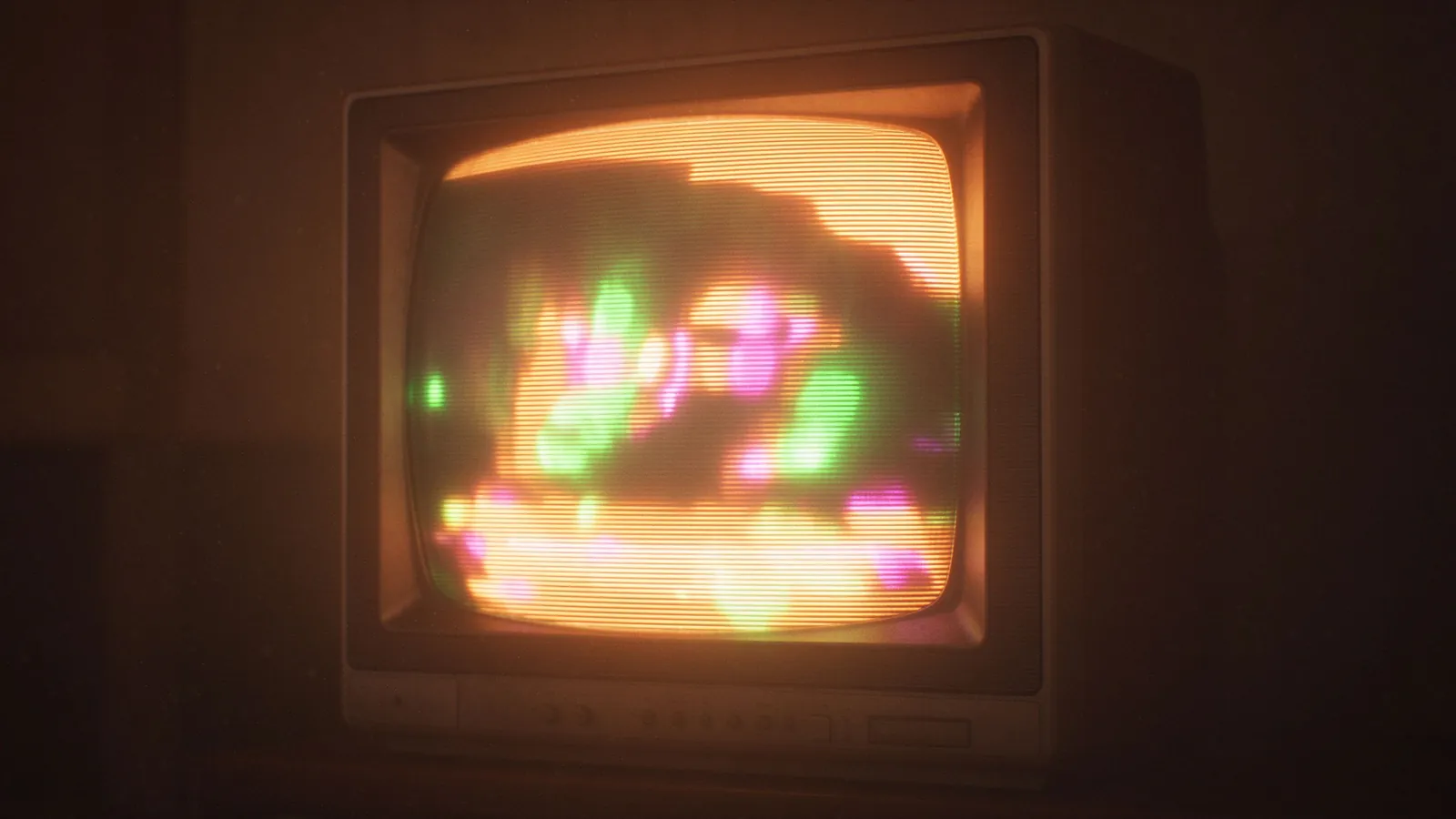
CRT shaders, scanlines, and warm-pixel filters shape how retro games feel on a modern screen; this guide explains what each emulator video filter does, what it costs, and when to leave it off.
A flat modern LCD cannot show an old console exactly as a 1990s television did: different pixel shape, refresh behavior, color temperature, and glass glow all change the impression. Emulator video filters try to rebuild part of that look, from simple scanline lines to detailed CRT shaders that curve edges, bloom highlights, and imitate grille spacing. They are taste tools, not performance essentials, and a poorly tuned filter can wash out a sprite, cost frames on a cheap laptop, or look nothing like the original set once brightness and gamma drift. This guide covers common filter families, their performance cost, and a safe path so games stay readable rather than merely styled.
Why the original picture differs from a flat screen
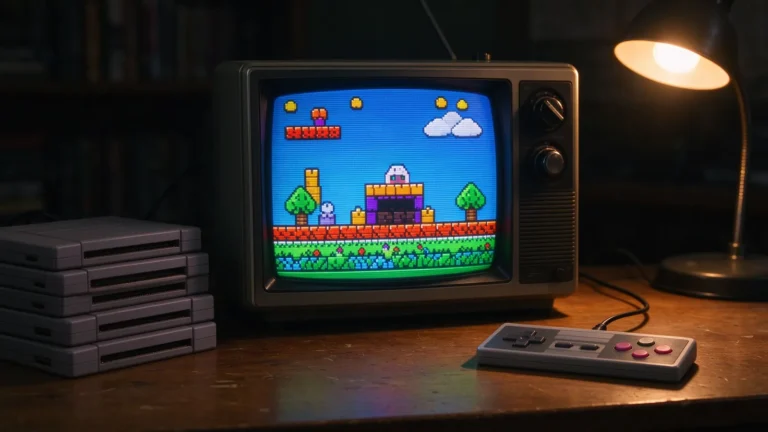
Old home consoles output analog signals to cathode-ray TVs built from curved glass and a fine grille emitting colored dots in horizontal scan rows. Pixels were soft-edged, highlights bloomed gently into dark surroundings, and warm color temperatures made reds and golds sit lower than on cold modern panels. Emulators render sprites in crisp square pixels by default, which looks sharp but harsher than the era intended, especially on large displays where one original pixel becomes a giant block. Filters approach this gap in two levels: simple overlays that draw scanline or mask patterns on top, and shaders that run the frame through a small graphics program simulating aperture grilles, curvature, glow, and phosphor decay.
Common filter families: CRT, scanlines, and warm pixels
- Simple scanline filters. Thin horizontal dark bands simulate tube rows; cheap to render and helpful on large displays, but heavy-handed if opacity crushes dark scenes. Use low strength for platformers and RPGs.
- CRT shader packs. Full bundles emulate grille mask, subtle curvature, rounded edges, and halo bloom; warm and detailed, but the heaviest performance layer, best suited to mid-range GPUs.
- Warm-pixel and color grading filters. Adjust gamma, saturation, and temperature toward amber or soft green for a cozy period feel; no structural scanline behavior, light on the GPU, often safer for readability.
- Integer scaling and nearest-neighbor options. A sizing mode rather than a look: keep pixels square and block-aligned without smoothing. Essential as the baseline before any overlay, since a mis-scaled image cannot be saved by a shader.
Performance cost on low-end PCs and phones
Shaders run after the emulator draws the game, so every frame spends GPU time on the effect. Simple scanlines and color grades cost almost nothing on any device; full CRT shaders with bloom and resolution effects demand real shader throughput and can drop frames on integrated laptop graphics, especially paired with internal resolution upscaling. On weak hardware, combine native resolution with a light scanline or warm-pixel filter rather than a heavy curvature shader plus 4x upscale. When a filter jitters at frame drops, disable it first before blaming game speed, and test a title in motion rather than judging from a still pause screen. Our RetroArch setup guide explains how global shader presets apply per core so effects never force themselves onto every title.
Safe customization: start clean, add gently
A good progression begins with geometry: integer scaling on, correct aspect ratio locked, image centered or filled neatly, smoothing set to nearest neighbor or mild bilinear by system. Then add one filter layer at a time: a mild warm grade, then subtle scanlines, and only afterwards a full CRT style on hardware that holds steady frames. Judge playability, not screenshots: can you read a small text box, spot a thin enemy projectile, and track fast scrolling during a boss fight? Save presets per system or per game, so fighting games keep a light overlay while cozy RPGs wear a warmer grade. Keep the clean no-filter preset as a fallback when a shader misbehaves after an update, following the backup discipline in our emulator basics reference.
Matching the filter to the system and game
Home console outputs from NES through PS2 respond to CRT treatments, because those systems connected to televisions; handheld LCD families such as Game Boy Color and GBA used small direct-view screens, so handheld-style or soft-grid treatments feel more faithful than a tube curve. Fast arcade shooters and fighting games prioritize clean visibility, while atmospheric RPGs and horror titles tolerate more bloom and warmth. Clean geometry, restrained strength, and per-game settings keep the picture faithful without blurring the game into decoration.