Free and Legal Retro-style Games to Fill Your Emulator Library Today
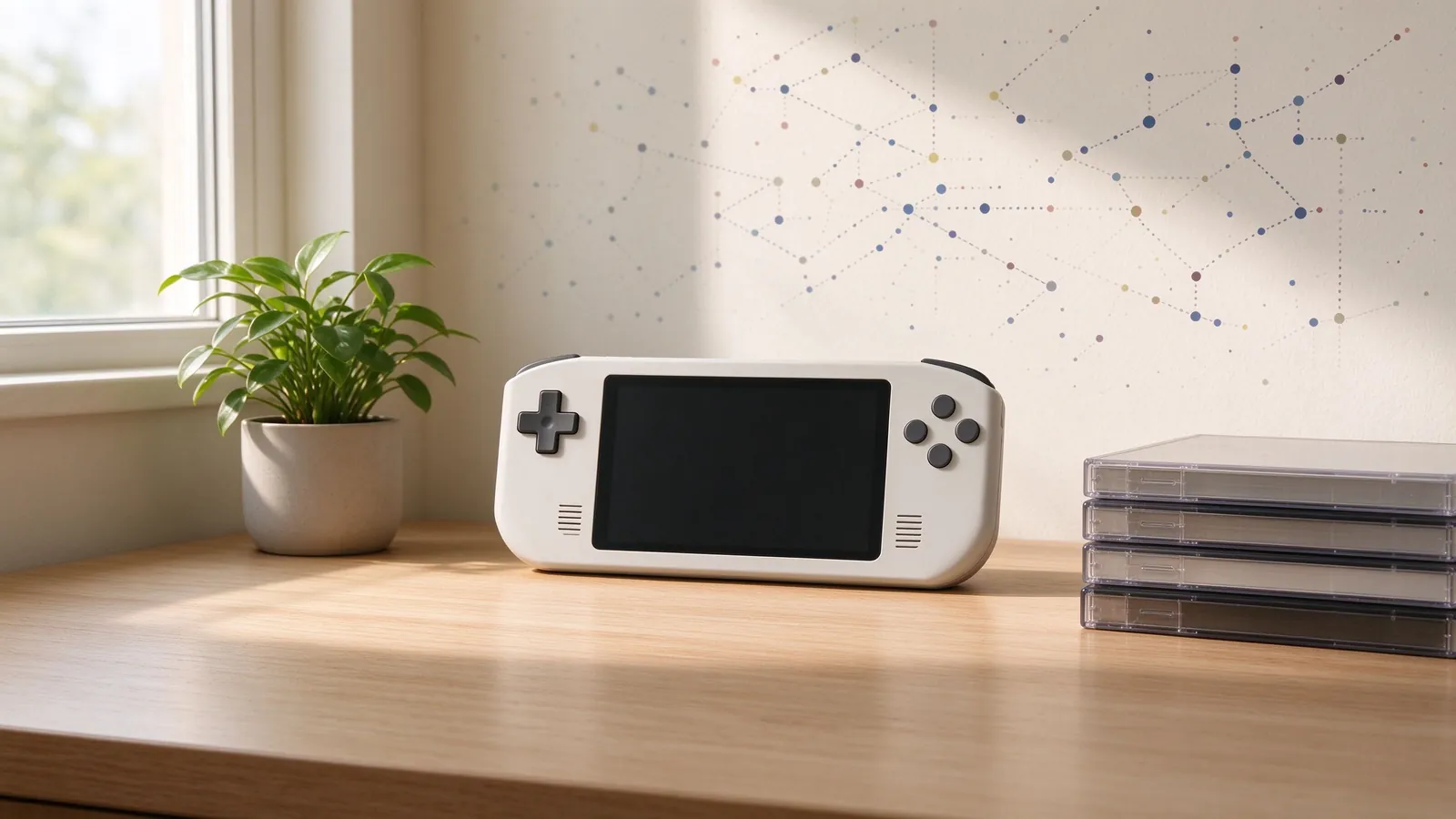
A roundup of free, legal retro-style games and homebrew categories to fill an emulator shelf without commercial ROMs, covering public-domain titles, freeware releases and community-made scenes.
An emulator library does not have to be built from commercial cartridge dumps. Plenty of games are legally free to download and play: public-domain simple titles, freeware retro-style releases, open-source clones that avoid copied assets, and homebrew software written for classic console environments by independent creators. This roundup explains the legal categories, where to look, what emulator setup suits each type, and how to keep a free library organized alongside games you own. No direct commercial ROMs are recommended here; the focus stays on freely distributed content and habits that keep collecting on the right side of copyright.
The legal categories to understand first
Not every free download means the same thing. Public-domain material has expired or waived copyright and can be copied freely, though simple classic arcade-era titles in this bucket vary in quality and platform support. Freeware means the author released the finished game at no cost while still holding copyright; the license may forbid redistribution, modification or commercial use, so the original page matters. Open-source projects publish code and often art under a permissive license, allowing community builds and ports, while fan games based on protected characters usually live in a gray area and should be judged by the original creator’s stated permission rather than assumed free-for-all use.
Homebrew refers to games written after a console’s commercial lifespan, often running through emulators or compatible flash devices, and many communities curate them by platform. The dedicated guide to legal freeware and homebrew games lists safe sources and category notes, while the broader preservation article explains why a documented free library alongside owned dumps helps both learning and long-term archiving.
Retro-style genres worth sampling
Free libraries shine in genres that match classic console strengths, and a few broad categories cover most releases.
- Puzzle and logic games: tile-sliding, block-stacking, maze and Sokoban-style releases run well on modest emulator setups and often include level editors.
- Top-down action and roguelikes: small original worlds, permadeath runs and simple combat borrow the structure of early action RPGs without copying assets.
- Platformers and arcade racers: community-made titles mimic 8-bit and 16-bit physics, parallax backgrounds and chiptune soundtracks; look for documented controls and difficulty options.
- Strategy and turn-based tactics: free or open-source releases on desktop-friendly engines offer grid battles, scenario campaigns and map editors.
- Small experiments and demos: tech showcases and short narrative pieces teach genre basics and emulator hotkeys even when they are not full-length games.
Because these games are small by design, file sizes stay modest and libraries remain easy to back up. Save data may use emulator memory cards, internal save files or password codes, so check the game page before assuming a standard save slot works. The emulator basics guide on saves, fast-forward and cheats covers how to map those options without relying on unofficial content.
Where to browse safely and what to check
Start from project pages, community indexes and official homebrew scene sites rather than random file-host results. On a listing page, read the license line, supported platform, required emulator core, file format and install notes, and prefer projects with a version date, credits and changelog. Abandonware mirrors that repackage commercial games without permission should be avoided even when the download appears free. For open-source clones, confirm that assets are original or explicitly licensed, because a clone built from ripped sprites carries the same copyright risk as the commercial game it copies.
Format choice affects play. Some titles run as standalone desktop programs, others as disk images or cartridge-format files for specific emulators, and a few ship as source code requiring a build step. Match the file to the core you use, keep separate folders for freeware, homebrew and owned dumps, and name files consistently with title, platform and version. Back up the library like any collection: export saves, record settings, and store project links in a text manifest so a project that disappears from the web can be reconstructed locally.
Building a balanced free shelf
A useful free library does not need hundreds of titles. Pick one or two favorites per genre, test each on your usual controller, and remove games that never get opened. Mix short arcade sessions with a longer roguelike campaign, keep puzzle titles for quick breaks, and revisit releases that receive updates. Pair free games with legal owned copies for a fuller view of each genre: freeware shows how a small team reads classic design, while commercial originals show the era’s production context. With clean sources, simple organization and careful license checks, the setup stays legal, varied and easy to maintain.