Ape Escape on PS1 Explained: DualShock and the Time Station
Ape Escape PS1 explained through its DualShock gadget buttons, the Time Station hub and the net catch meter, plus why the 1999 camera still fights you.
Sony Computer Entertainment released Ape Escape for the PlayStation in Japan in 1999 and in North America and Europe the following year, and it was built from scratch around one piece of hardware: the DualShock controller with its two analog sticks. You play Spike, called Kakeru in the Japanese release, a boy sent by the Professor into the Time Station to round up Specter and the Pipo Monkeys before they rewrite history. Each monkey wears a Monkey Helmet, and catching them is the entire objective of every stage. I went back to a legal personal backup of my own disc on an emulator, and the parts that still feel sharp are the input design and the gadget loop. The camera and the net timing are the parts that fight you now. This is a look at why the sticks mattered and where the 1999 design shows its seams.
Two sticks, four face buttons and a gadget for every job
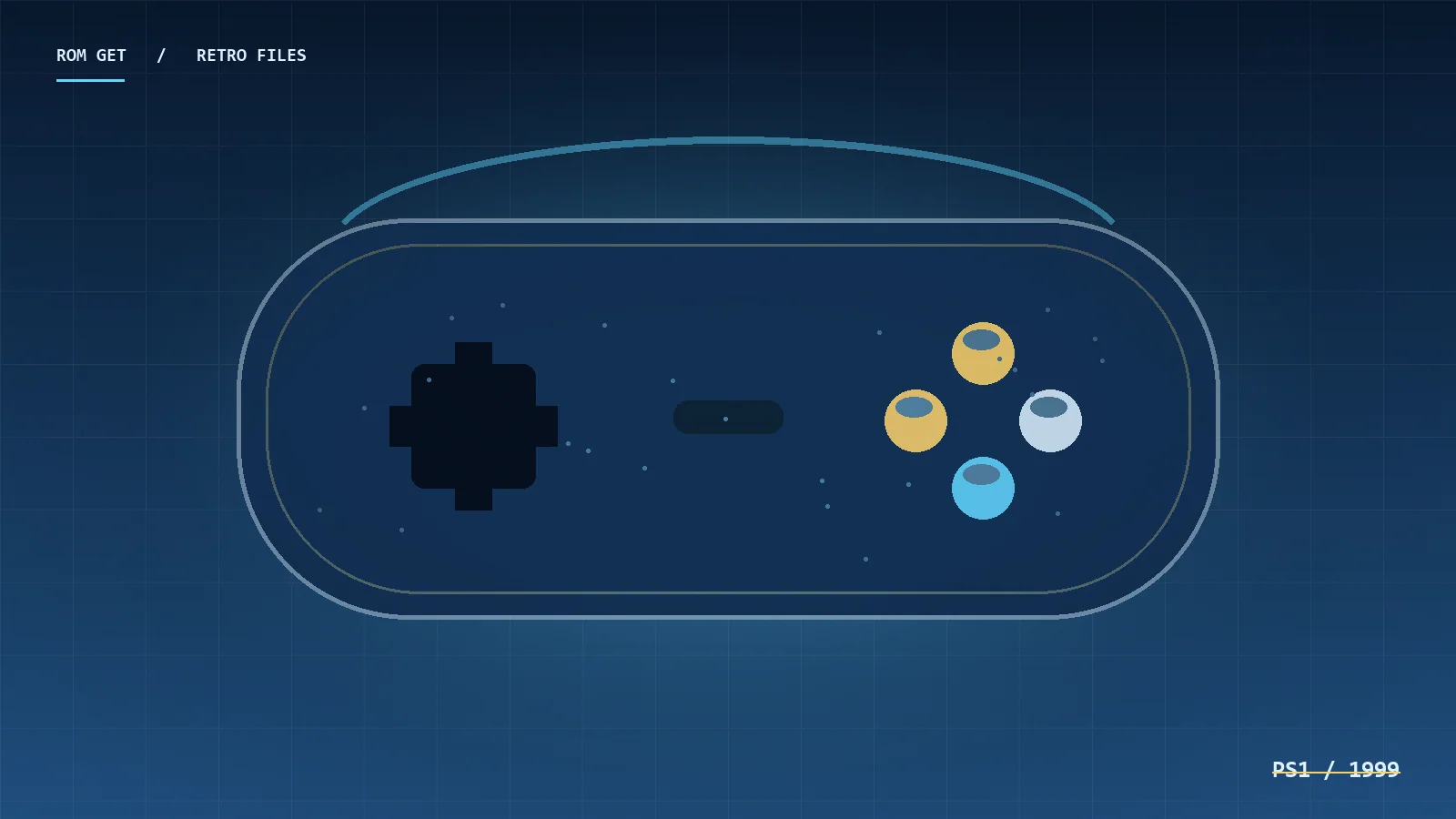
Before twin-stick control became standard on 3D console games, camera duty usually sat on the shoulder buttons, and moving and looking were the same awkward negotiation. Ape Escape splits them cleanly. The left stick walks Spike around, the right stick swings the view behind him, and each of the four face buttons is assigned to a gadget you have collected, be it the monkey net, the slingshot, the RC car, the hula hoop or the later water net. You select a gadget from the Gadget Rock menu, then swing it with a button press. That layout is the reason the game exists. Catching a monkey means approaching on one stick, keeping the target framed with the other, then timing a net swing with a face button, and none of those actions interrupts the others. On a replay the independence still feels correct, because you can track a fleeing Pipo Monkey across the screen while closing the distance.
The radar, the antenna and the catch meter
A radar at the top of the screen pings when a monkey is near, and Spike’s antenna lights up as you close in. Once you are in range, a monkey-catching meter appears and you have a short window to swing the net while the marker sits in the green band. Miss and the monkey bolts, often toward a group of others that scatter in turn. The system turns each capture into a small duel of positioning and timing rather than a simple touch, and it works because the feedback is layered. The radar tells you where, the antenna tells you how close, and the meter tells you when. On my setup the antenna glow was easier to read than the small meter text, so I found myself watching the character more than the HUD, which is the opposite of what the interface seems to expect.
The Time Station and its stages
Levels are reached from the Time Station, a hub that sends Spike to different eras. The variety is real, and the stage names are worth listing because each one teaches a different gadget.
- Specter Land, a ruined amusement park full of roller coasters and hidden monkeys.
- Castle Von Vex, a stone fortress with drawbridges and armored guards.
- Wabi Sabi Wall, a vertical bamboo climb built around the hula hoop.
- Monkey Clones, a late laboratory stage full of duplicate apes.
- The training area near the hub, where the slingshot and the RC car are introduced.
Clearing a stage opens the next time period, and the hub gives the catching a frame. It also lets the gadgets arrive in an order that teaches them one at a time, so a new tool is never handed to you in the same room that demands three old ones.
Gold bananas and Ski Kidz Racing
Gold bananas hide in each stage, and collecting them unlocks the minigames, chief among them Ski Kidz Racing. The minigames are separate from the campaign and use the same sticks, which is a neat bit of reuse: a downhill race makes you hold a line with the left stick while the right one steadies the view. They are slight, but they give completists a reason to revisit cleared stages instead of rushing the next portal.
Why the camera control mattered in 1999
The right stick was not a luxury here, it was the solution to a specific 3D problem. A platformer that asks you to aim a net at a small moving target needs a view you can rotate without stopping, and Ape Escape gives you exactly that at a time when most PS1 games still used fixed cameras or shoulder-button look. Being able to hold the left stick forward while nudging the right stick to keep a monkey centered is the whole skill of the game. That idea, that looking and moving are separate continuous inputs, became the default for the generation after it. The game is a clean demonstration of why analog camera control belongs on a stick and not on a digital pad.
What still works and what has aged badly
The gadget loop holds up. Swinging the net, driving the RC car into a switch, or freezing a pool with the water net still reads as physical and legible, and the bright low-poly stages have a hand-built charm that scales cleanly on a modern display. The radar pings are still good feedback. The problems are just as concrete. The camera has no analog-look fine control, so it swings in coarse steps and clips through hedges and walls. Replaying Specter Land I lost a monkey behind a hedge because the view would not drop low enough to line up a swing. The net timing is unforgiving, with a strict window and no lock-on, so a catch often fails because the meter moved a few frames rather than because you chose badly. There is also no way to fine-tune the view distance, which makes the indoor rooms of Castle Von Vex fussy in a way the wide outdoor stages never are.
If you set it up on an emulator, keep the right stick as the camera and leave the net on its original face button, because rebinding it to a trigger changes the timing you are there to practice and flattens the one skill the game actually teaches.
Related reading
If you want to keep digging into this corner of the library, these two posts on Roms Get go a little further: