WonderSwan Mesen
Description
Mesen is a multi-system emulator compatible with Windows, Linux, and macOS, supporting these consoles。
1. Free switching between horizontal and vertical screens (restoring the biggest feature of handheld devices)
The original WS comes with a dual button layout in both horizontal and vertical directions, with a complete replica of Mesen:Vertical screen: Text AVG, Conan, and cultivation type text games;Horizontal screen: machine combat, Gundam, horizontal level crossing, fighting;One click rotation of the screen with shortcut keys, customizable with two sets of key layouts, perfectly matching the native gameplay.
2. High precision hardware simulation (far superior to WS standalone simulator)
Mesen is known for its precise timing, solving many niche WS games with screen flickering, popping sound, and abnormal operation:
Complete replica of NEC V30 CPU, 4-channel PCM audio;Accurately restore the original version with a resolution of 224 × 144 and a maximum color limit (WSC can display up to 241 colors on the same screen);Fixed a large number of texture bugs in Bandai Anime exclusive games (SD Gundam, Machine Warfare, Digimon);Compared to older WS specific emulators like eWonderSwan and Oswan, lesser known games have stronger compatibility.
- NES
- SNES
- Game Boy / Game Boy Color
- Game Boy Advance
- PC Engine
- SMS / Game Gear
- WonderSwan / WonderSwan Color
What Is WonderSwan?
WonderSwan (nicknamed Wonder Swan, shortened as WS) is a 16-bit portable game console developed and sold exclusively in Japan by Bandai. Designed by Gunpei Yokoi, the creator of Nintendo’s Game Boy, it was Yokoi’s final hardware project before his passing. Released to compete with Nintendo’s Game Boy Color and Game Boy Advance, the entire WonderSwan lineup stopped production in 2003, with total global sales hitting roughly 3.5 million units.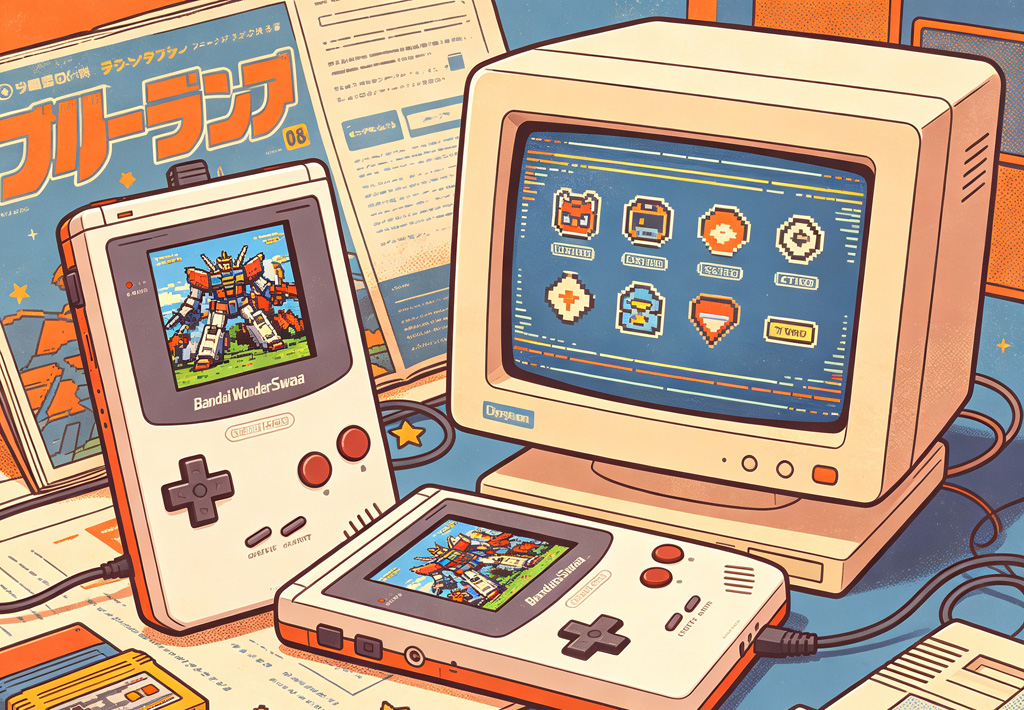
Background & Release Timeline of All 3 Models
- Original Monochrome WonderSwan: Launched March 4, 1999, priced at 4,800 JPY. It featured an 8-level grayscale display.
- WonderSwan Color (WSC): Released December 9, 2000, retailing for 6,800 JPY. It added full-color visuals while retaining backward compatibility with all original WS game cartridges.
- SwanCrystal: The final upgraded model, released July 12, 2002 at 7,800 JPY. It upgraded to a crisp TFT screen with vastly improved brightness, viewing angles and motion clarity.
Gunpei Yokoi left Nintendo in 1996 and founded Koto Laboratory. Bandai hired him to build a new handheld console. Yokoi died in a car crash in 1997, but the full hardware blueprint was finished beforehand, making WS his posthumous masterpiece. He applied his famous “lateral thinking with withered technology” design philosophy: use mature, affordable components to keep the console cheap, long-lasting and energy-efficient, instead of chasing cutting-edge specs.

Iconic Hardware Features
- Dual vertical/horizontal gameplay (industry first): Two separate D-pads are built in, one on the left for vertical play, another at the bottom-right for horizontal gaming. Visual novels, simulation games play best vertically; fighting games, RPGs and platformers feel natural in horizontal orientation.
- Incredible battery life powered by one single AA battery. All WS variants run on just one AA cell. The monochrome model reaches up to 40 hours of playtime; the color version runs for around 30 hours. Even the SwanCrystal delivers solid battery performance, far outlasting the Game Boy Color of the same era. The console weighs only 93 grams without a battery.
- Fixed resolution of 224×144 across all generations, powered by a 16-bit NEC V30 CPU running at 3.072MHz. It includes 4-channel PCM audio; headphones output stereo sound, while the built-in speaker plays mono audio. Games are distributed on dedicated ROM cartridges only.
Display Comparison Across Three Consoles
| Model | Screen Panel | Color Performance | Color Details |
|---|---|---|---|
| Original WonderSwan | FSTN reflective screen | 8-step grayscale | No color support |
| WonderSwan Color (WSC) | FSTN reflective color screen | Max 241 colors on screen | Total palette of 4096 available colors |
| SwanCrystal | TFT color screen | Same color limits as WSC | Better angles, less motion blur, brighter display |
Game Library & Exclusive Titles
Bandai owned massive anime IP rights, so the WonderSwan library caters heavily to anime fans. Around 150 official games launched for the whole platform.
- Gundam games were WS’s biggest selling point, including dozens of SD Gundam tactical and action exclusives popular among mecha fans.
- Numerous exclusive Super Robot Wars entries made WS a go-to handheld for SRW lovers.
- Adaptations for licensed anime: Detective Conan, One Piece, Digimon, Dragon Ball, Sailor Moon and more Bandai-owned franchises.
- Major third-party studios like Square Enix, Namco, Capcom and Sony Interactive Entertainment published WS games, including spin-off Final Fantasy titles.
- A large selection of visual novels and dating sims work perfectly with the console’s vertical reading layout.
Accessories & Cross-Platform Connectivity
- Link cable for local multiplayer battles and data transfer between two WS units
- PS1 connection accessory for data sync between WonderSwan and PlayStation 1
- Vibration packs, rechargeable external batteries, and vintage dial-up networking adapters
- Digimon-specific link adapter for digital monster raising and online trades
The Rise & Fall of Bandai WonderSwan
At its peak, WonderSwan captured roughly 8% of Japan’s portable gaming market and pushed Nintendo to speed up upgrades for the Game Boy Color and accelerate GBA development. Nintendo released the Game Boy Advance in 2001, whose superior hardware overwhelmed the entire WS lineup and caused WS sales to plummet.
Bandai released SwanCrystal in 2002 as a last-ditch refresh, yet it failed to reverse market decline. Bandai fully discontinued all WonderSwan hardware in 2003 and exited the handheld console market permanently.
WonderSwan Today: Retro Collectors’ Hardware
Nowadays, WonderSwan is a niche collectible beloved by retro handheld collectors, Gundam, mecha and classic anime game enthusiasts.
- Pros: One-of-a-kind vertical/horizontal design, outstanding battery efficiency, irreplaceable licensed anime games
- Cons: All official hardware is Japanese-region only; physical game cartridges and original accessories are hard to source
Many engineers who worked on WonderSwan later joined Sony’s portable console teams, and hardware designers widely agree WS influenced later handhelds such as the PlayStation Portable.
Mesen Emulator: Play WonderSwan on PC
Mesen (including modern Mesen2 and community-driven MesenCE) is a high-accuracy multi-system retro emulator with native full support for all Bandai WonderSwan hardware. Most players call it the best all-around emulator for running WS games on Windows, macOS and Linux computers.
Different Mesen Versions Explained
- Original Mesen (Version 0.x, Mesen 1): Early build exclusively built for NES/Famicom. No WonderSwan, GBA or GBC compatibility whatsoever.
- Mesen2 (Official Main Branch): Regularly updated official release with complete emulation for original WonderSwan and WonderSwan Color. Runs smoothly on Windows 10+, macOS (Intel & Apple Silicon) and Linux, requiring the SDL2 runtime library.
- MesenCE (Community Edition): Maintained by community developers after the original lead developer slowed updates. It receives more frequent bug patches for WonderSwan, adds advanced debugging tools, and delivers better overall WS game compatibility compared to vanilla Mesen2.
Supported hardware list: Original monochrome WS, WSC, SwanCrystal. The emulator automatically matches native color profiles and refresh rates for SwanCrystal’s TFT screen.
Top Mesen Features Tailored for WonderSwan
- Seamless vertical/horizontal screen rotation: Matches WS’s unique dual-Dpad functionality. Rotate the display with hotkeys, map two separate controller layouts for vertical text games and horizontal action titles.
- Pinpoint hardware emulation: Accurately replicates the NEC V30 CPU and 4-channel PCM sound. Matches the native 224×144 resolution and maximum 241 simultaneous colors of WSC. It fixes visual glitches and audio popping on many rare Bandai anime games, including SD Gundam and Super Robot Wars titles that break on older emulators.
- Universal retro gaming tools fully functional for WS: instant save states, rewind gameplay, slow motion, cheat code support for WonderSwan, direct ZIP ROM loading without unzipping, CRT scanline filters, pixel scaling options. Users toggle between mono built-in speaker audio and stereo headphone audio in settings.
- Professional debugging toolkit: RAM inspection, memory breakpoints, register monitoring and VRAM tile viewers. Many hobbyists mod, translate and create custom WonderSwan ROMs using MesenCE’s expanded dev features.
Mesen cannot boot any WonderSwan games without official BIOS files. Place ws.rom and wsc.rom inside the emulator’s dedicated BIOS folder. SwanCrystal uses the same BIOS file as WonderSwan Color. Supported game formats are standard WS / WSC .rom cartridge dumps. Windows users need Windows 10 or newer; macOS/Linux users must install SDL2 dependencies beforehand.
Mesen vs Classic Standalone WonderSwan Emulators
| Emulator | Advantages | Disadvantages |
|---|---|---|
| Mesen2 / MesenCE | All-in-one retro console support, precise emulation, stable rare game performance, regular updates, full feature set | Requires BIOS files; slightly more configuration options for new users |
| Oswan / eWonderSwan | Vintage dedicated WS emulators with basic simple setup | Long discontinued development; widespread graphical bugs, missing rewind, multiplayer and modern features |
Who Should Use Mesen for WonderSwan?
- Gamers who play multiple retro systems (NES, GBA, WS etc.) and want one unified emulator instead of many separate programs
- Fans of Gundam, Super Robot Wars and Bandai anime games looking for glitch-free emulation
- ROM hackers, translators and indie devs making custom WonderSwan homebrew games
- Players wanting flexible screen rotation, filters, save states and cheat functions
Simple Step-by-Step Setup Guide
- Download the newest MesenCE build (recommended for ongoing bug fixes)
- Place ws.rom and wsc.rom BIOS files inside the emulator’s BIOS directory
- Open your WonderSwan ROM file inside Mesen
- Head to video settings to toggle screen orientation; map two controller profiles matching the physical dual D-pads of the original handheld
- Customize display filters, quick saves and cheat codes according to personal preference
download links
| Filename | Type | Size |
|---|---|---|
| Mesen (Windows – net8.0 – AoT).zip | For Windows | 30.81 M |
| Mesen (macOS – macos-14 – clang_aot).zip | For MacOS (Apple CPU) | 69.25 M |
| Mesen (macOS – macos-13 – clang_aot).zip | For MacOS (Intel CPU) | 72.19 M |
| Mesen (Linux – ubuntu-22.04 – clang_aot).zip | For Linux | 35.74 M |