Standalone Handheld Emulators for Retro Games: Buying and Setup Notes
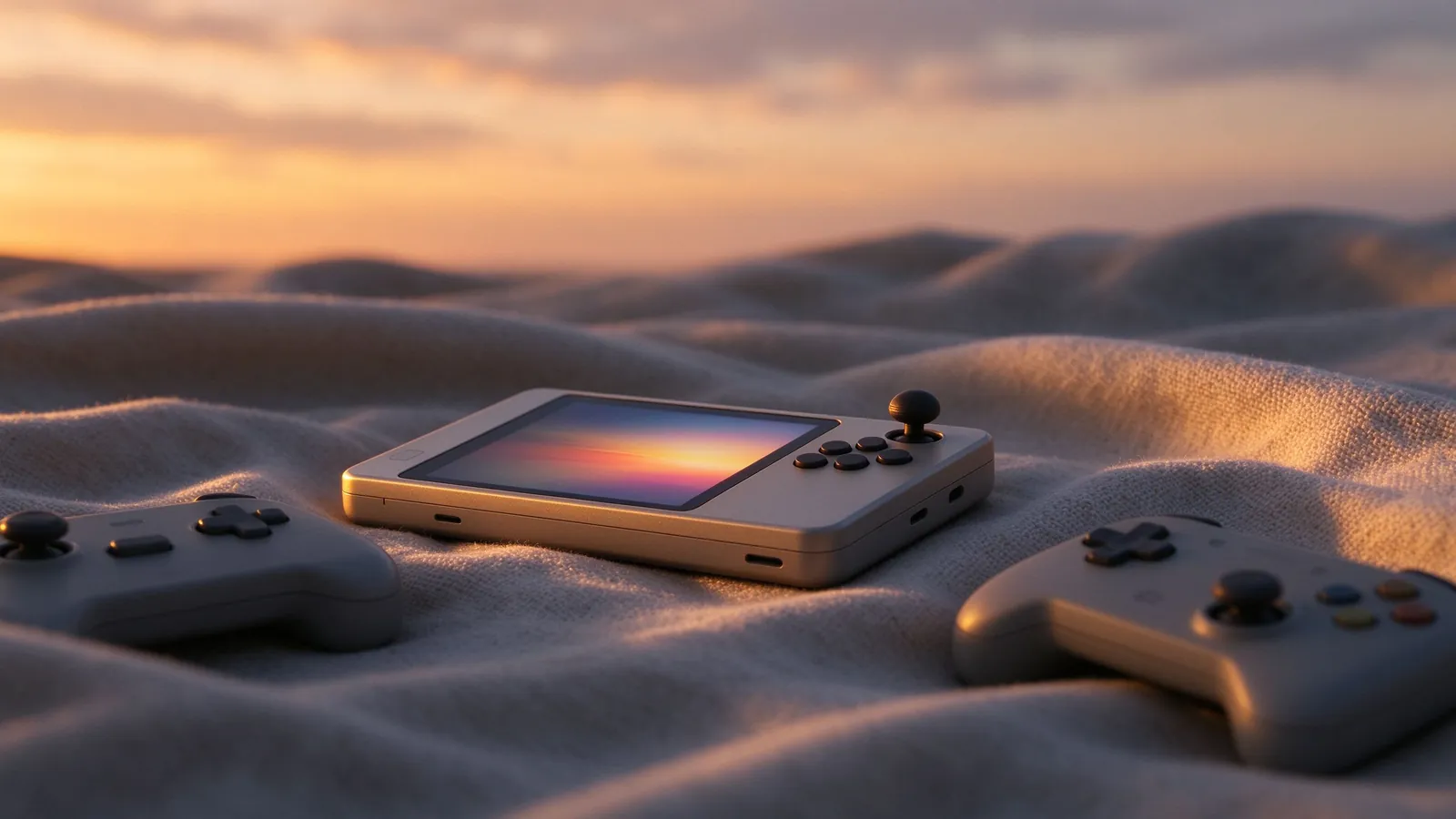
A standalone handheld emulator device packs a small screen, controls, and a battery into one gadget; these buying and setup notes compare what to expect versus phone emulation and how to prepare the library safely.
Standalone handheld emulators sit between old Nintendo-style portables and modern Android pocket boxes: a dedicated body, comfortable buttons and often sticks, a built-in screen, and software that boots directly to a game list rather than an app launcher. They suit players who want commuter play without phone notifications, pad-sized ergonomics, and a single device already tuned for retro titles. This buying guide covers the specs that matter, common front-end software, library habits, legal sourcing, and realistic expectations per era. It compares the practical decision against using an existing phone; reference our history of portable retro devices for context on why form factors keep returning.
What a dedicated handheld offers over a phone
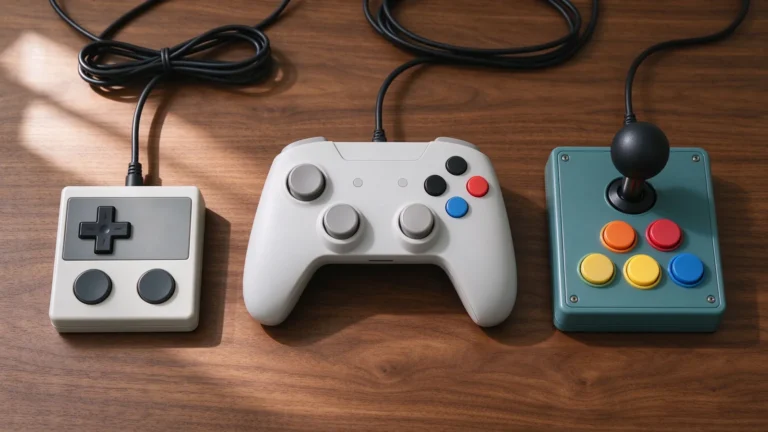
A phone already runs many emulators, and cost-minded players should start there before buying hardware. The dedicated unit wins on ergonomics: grips sized for thumbs, physical D-pad and buttons with travel, speaker placement, and no incoming call interrupting a boss fight. The battery shows dedicated playtime on the road, the screen may follow a portrait or landscape shape tuned for the library, and saved states and memory folders stay inside one system instead of competing with photographs and messaging apps. Buy one for the library it serves, not for novelty; landscape bodies favor racers and fighters, while compact portrait units suit Game Boy and GBA-style RPGs.
Specs that matter for retro performance
- CPU and GPU generation. 2D through PS1, N64, and PSP titles run comfortably on modest chips; heavier targets like PS2, GameCube, and Dreamcast require stronger processors and thermals, and even premium units show framing issues in demanding spots.
- Battery and charging. Endurance follows chip efficiency and screen size; read field reviews for real hours rather than advertising claims. USB-C charging keeps spares simple.
- Inputs. A responsive D-pad, sticks of acceptable resistance, and shoulder buttons matter more than glossy extra keys; check spacing for six-button fighters.
- Storage expansion. A removable microSD card lets backups and games move between devices; know whether saves live internally before assuming a card swap copies everything.
- Thermals. Passive cooling throttles under load; long PSP or N64 sessions should feel steady after twenty minutes, not hot and choppy.
Front-end software and on-screen habits
Most handhelds boot into an emulation front end listing systems and titles, with separate emulator cores behind it, similar in concept to the desktop RetroArch workflow. Install firmware updates from the official or community source supplied with the device, follow the version notes, and avoid flashing experimental builds before a long trip. Configure one control profile for the family you play most, map save-state, rewind, and fast-forward to easy shoulder hotkeys, and set a per-system aspect ratio before tuning shaders. On small screens, light scanline or warm-pixel treatments read better than heavy curvature filters; match the screen size rather than copying PC desktop presets. Keep brightness moderate to preserve battery, and favor local two-player offline modes, the most reliable multiplayer use on battery alone.
Library, storage, and legal sourcing
Build folder structure by system on the card before bulk copying: NES, SNES, Genesis, Game Boy, GBA, PSP, arcade, and extras stay separate, with clean file names and no duplicate revisions mixed together. Back up emulator save files and memory cards to a PC folder after long sessions. Game data must come from cartridges, discs, or handheld media you own, dumped lawfully for personal use; homebrew, public-domain releases, and official freeware add safe titles with no physical source. Proven handheld classics make friendly starting libraries; our GBA favorites collection and PSP RPG picks suggest genre-led candidates once the unit boots, while pirated commercial dumps carry legal and firmware risk.
Buying notes for first-timers
Set a budget ceiling and the console families the unit should cover before browsing. Buy against a known use case: a pocket-focused player prioritizes battery, D-pad feel, and Game Boy-class comfort; a crossover gamer prioritizes analog sticks, PSP performance, and shoulder mapping. Avoid expecting flagship emulation of every modern console on an entry price tier; check community compatibility notes for the specific titles you care about rather than brand-name claims. Buy from reputable sellers and keep boot recovery files for reinstallation. Start with a modest starter library, tune a few systems until saves feel reliable, then expand one family at a time. A handheld that boots fast, saves consistently, and holds steady frames earns more play than a spec sheet promising everything.