Backing Up Cartridge Saves and Moving Them to Emulator Save Files
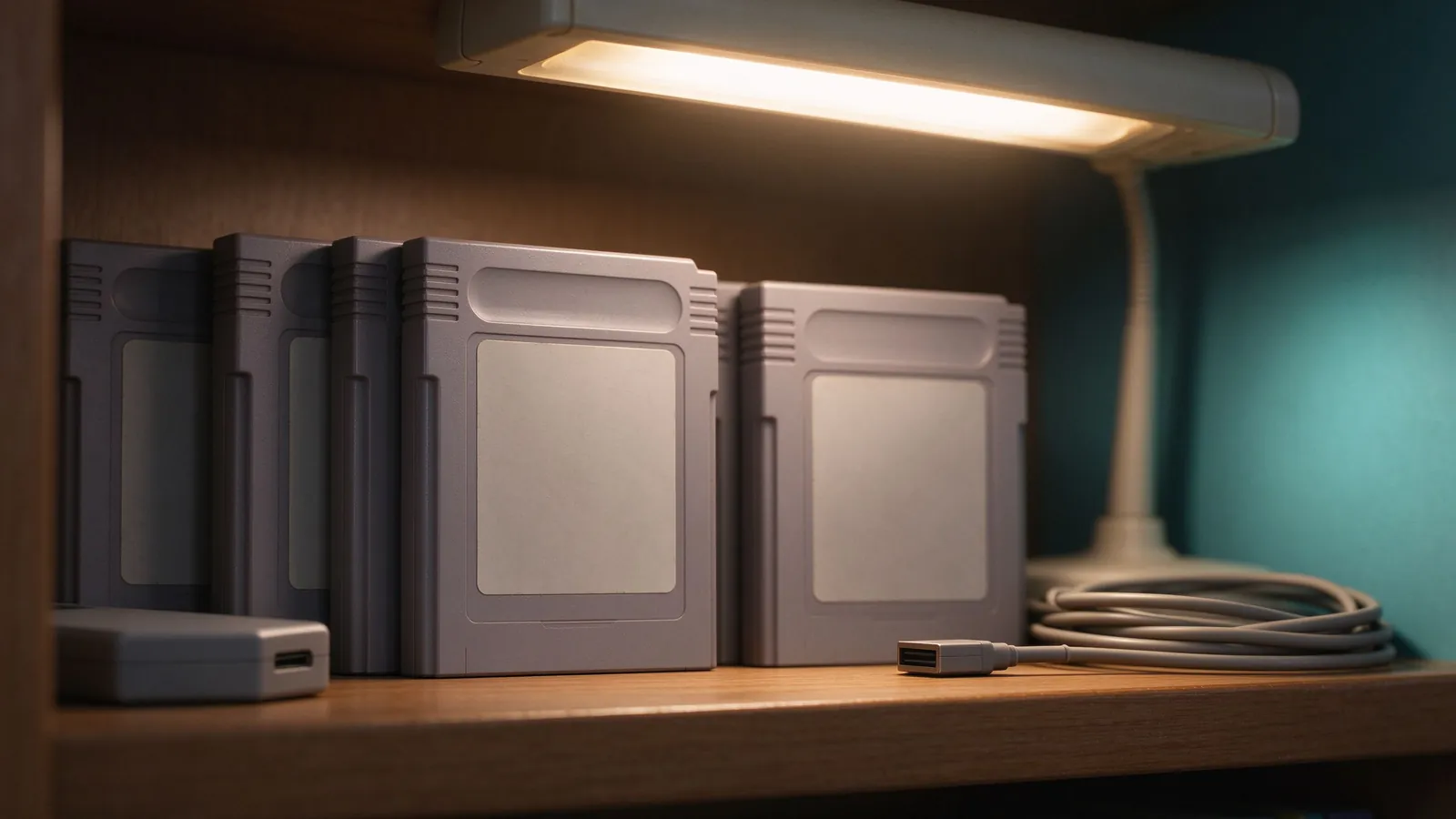
Cartridge battery saves age on a clock that ticks quietly; backing up those battery save files and converting them to emulator save data protects RPG progress and library continuity.
Physical cartridges that stored progress inside the shell relied on small memory chips and, for many classics, a coin-style battery soldered to the board. Decades later that battery can drain, leak, or desolder at an awkward moment, and a wiped save inside a Pokémon, Final Fantasy, or Metroid campaign may have no other copy. Backup tools let a collector read the save chip to a computer file, repair or replace the battery, and optionally migrate the same progress into an emulator save file on a PC or phone. This guide explains how cartridge saves work, how to preserve them, and how conversion keeps play going while hardware rests.
How cartridge battery saves store progress
Many cartridges contain a small non-volatile memory chip fed continuously by a battery so data stays between sessions; when the battery fails, memory clears because the chip loses power. Other designs use flash memory that retains data without a battery, making old saves less fragile; identifying the chip the board carries needs inspection or documentation of the specific game and region. Save data differs from the game program ROM: the cartridge program never changes once shipped, while the save area stores party levels, explored maps, collected items, and last checkpoint. Migrating progress means moving only that data section, never mixing it into the game image.
Dump tools and gentle cartridge care
A dedicated save-dumping adapter reads the cartridge pins through USB and exports the raw save chip as a file; use a build matching the cartridge family, keep pins clean, and seat the cartridge firmly rather than forcing the shell. Handle boards by edges, avoid touching contacts with oiled fingers, and clean dusty pins with a safe contact treatment before dumping, since flaky reads corrupt the saved file and trigger a second risky attempt. Back the dump immediately after a successful read and keep two copies before any battery work. Beyond save dumps, physical care rewards collectors: our notes on cleaning and preserving cartridges cover pins, shells, labels, and storage conditions that reduce future rescue work.
Moving raw saves into emulator save files
Emulator save files expect specific formats: console memory cards, per-cartridge save extensions, or core-specific containers, and a raw cartridge dump usually needs a conversion step rather than a rename alone. Identify the target emulator and its save extension for the matching family, then use a trusted converter or core tool that maps memory sizes and offsets correctly; mismatched offsets can shift data and scramble party names or item boxes. Always start from a copy, keep the original raw dump untouched, and verify the migrated file by booting the associated ROM and loading the in-game save screen. Look for recognizable evidence: party roster, play time, key inventory, and map position should match the cartridge state. Save states should not replace this converted game save; the memory-style file remains compatible across emulator updates, as our retro preservation practices article explains.
Battery replacement planning
Re-soldering or swapping a battery extends the physical cartridge’s life, but only after a verified dump exists. Mark the battery polarity before removal, choose the replacement type recommended for the board, and keep soldering time short to avoid heating the memory chip. Some boards include a solderable holder for future easy swaps; others use a rechargeable cell meant for the device, where a plain primary battery might behave oddly. If soldering is outside comfort, hand the board to a technician rather than risking cracked traces, and keep the original dump regardless of outcome. Record dump date, game title, region, source unit, and target emulator file together in one folder for future provenance.
Keeping redundant backups
One copy proves nothing; keep the raw dump, the converted emulator save file, and a zipped archive in two locations, such as an internal folder and an external drive you control. Re-dump a cartridge after a major campaign milestone rather than treating the first file as immortal, and avoid overwriting the earliest backup with every new save. Organize by game title inside a dated directory, name files with region and revision, and pair them with a screenshot of the in-game save screen as a human-readable check. Battery failure rarely waits for planned maintenance; a dumped and converted save file means play continues on emulator while the physical board gets repaired. Record before altering, copy before converting, and verify the destination boots cleanly.