How Tracker Music Worked: MOD, XM and Pattern Editors
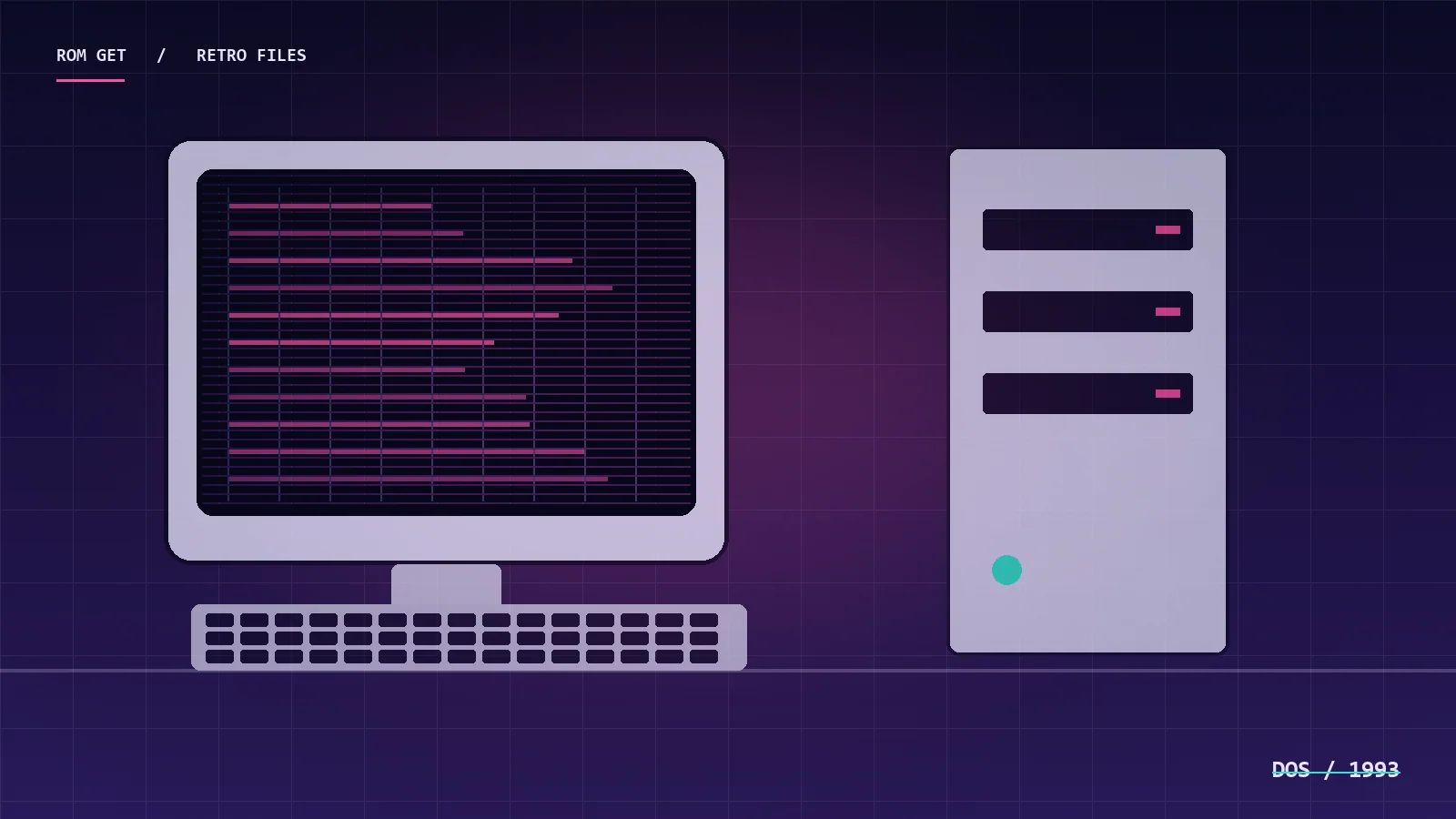
Tracker music MOD files bundled 8-bit samples with a pattern grid of rows and channels, which is why so many Amiga and DOS tunes still circulate today.
Karsten Obarski released Ultimate Soundtracker for the Amiga in 1987, and it established a way of composing that outlived the machine. Instead of a score with staves, a tracker shows a vertical grid of rows and channels, with each cell holding a note, an instrument number, a volume, and an effect command. The resulting MOD file bundled its own 8-bit samples with the sequence, so one small file could play a full piece of music without any external synthesizer. That self-contained format is why tracker tunes spread across the demoscene and into games, and why the pattern editor still looks recognisable in modern software.
The pattern grid and the order list
A pattern is a table. Each column is a channel, and each row is a tick of time. The classic layout is a 64-row pattern, and a cell might read as a note name, an instrument number in hexadecimal, a volume, and a two-digit effect with a parameter. The composer enters events by typing into cells, then arranges patterns into a song with an order list, a simple sequence of pattern numbers that says which pattern plays when. Reusing a pattern many times in the order list keeps a file small and means a drum loop can be edited once and reflected everywhere it appears. This is the core idea of the tracker: music as data in a grid rather than as a recorded waveform. A four-channel Amiga MOD typically gave one channel each to drums, bass, harmony, and lead, though nothing forced that assignment.
What the effect column does
The effect column is where a tracker earns its keep. Commands change pitch, volume, timing, or the flow of the song, and their parameters are written in hexadecimal. Common ones include vibrato, which oscillates pitch; portamento, which slides from one note to another; volume slide; arpeggio; sample offset, which jumps into a sample at a chosen point; and pattern break or position jump, which redirect the order list. Because a channel is a single stream of events, an effect applies to whatever note is currently playing on it. That is why a composer can write a sustained chord illusion with one channel and still move a bass line on another. The commands are the difference between a typed melody and a performance with motion.
A small map of common commands
| Effect | What it changes | Typical use |
|---|---|---|
| Arpeggio | Rapid note cycling on one channel | Faking a chord with a single voice |
| Vibrato | Periodic pitch wobble | Adding expression to a held note |
| Portamento | Glide between two pitches | Sliding bass or a lead into a note |
| Volume slide | Ramp volume up or down | Fades and accents |
| Pattern break | Jump to the next order row early | Shortening a phrase |
| Sample offset | Start a sample mid-waveform | Percussion and spoken fragments |
Why arpeggio fakes a chord
With only four channels on the original Amiga chipset, a composer who wanted a chord had a problem: three notes at once would consume three of the four voices and leave nothing for drums or bass. Arpeggio solves it by cycling a single channel rapidly among the notes of a chord, fast enough that the ear fuses them into a shimmering harmony rather than hearing separate notes. At the tick rates these trackers used, a three-note arpeggio produces the fluttering, buzzing chord that defines so much chip-influenced music. It is an illusion, and a fragile one: slow the tempo or resample badly and the chord separates into an obvious triplet. The trick is a direct consequence of a four-channel budget, and it is a good example of how a hardware limit becomes a sound people deliberately chase.
Instrument limits and file size
The first version of the MOD format allowed up to 15 instruments, each a single 8-bit PCM sample with an optional loop point, and it stored samples unpacked so the Amiga could send them straight to its DACs with almost no CPU cost. Later variants, the widely copied M.K. and ProTracker style, raised that to 31 instruments while keeping four channels, and further extensions reached more channels still. Timing came from the display vertical blank, roughly 50 Hz on PAL machines and 60 Hz on NTSC, with a speed setting that decided how many blanks each row lasted. A whole song with a handful of short looped samples could fit in well under a floppy disk, which is why MODs travelled so easily on bulletin boards. Loop points matter because a short sample repeated cleanly can sustain a note forever, while a badly set loop clicks on every cycle.
XM and S3M move to DOS
In the mid 1990s the centre of tracker work shifted to MS-DOS PCs with sound cards. FastTracker II introduced the XM format, sometimes dated to 1994, which added envelopes for volume and panning, multisample instruments, 16-bit samples, and more channels, and it offered a linear pitch mode so a slide sounded the same on any note. ScreamTracker 3, released by Future Crew around 1994, defined S3M, which could mix digital samples with AdLib OPL2 synthesis and kept the familiar 64-row pattern and order list. Both kept the grid interface that Obarski had established, but the extra channels and cleaner samples reduced the need for arpeggio chords. On a PC with a Gravis UltraSound or a Sound Blaster, a composer could simply play the chord across three channels.
How modern players render modules
A current player such as OpenMPT, MilkyTracker, or a library-based player reads the pattern data and the samples, then mixes the channels in software at a modern sample rate, interpolating between sample values and honouring each effect command and loop point. Fidelity now depends on the player rather than the sound card, so the same file can sound slightly different across players because of how they interpolate, handle volume ramps, or reproduce vintage quirks like Amiga period slides. Loop points are still decisive: a sample with a forward or ping-pong loop must be rendered exactly at its boundary, or a sustained pad develops a click every cycle. When an old module sounds wrong in a modern player, check the loop flags and the interpolation setting before blaming the file, and if a four-channel MOD sounds thin, listen for the arpeggio before assuming the mix is broken.
Related reading
If you want to keep digging into this corner of the library, these two posts on Roms Get go a little further: